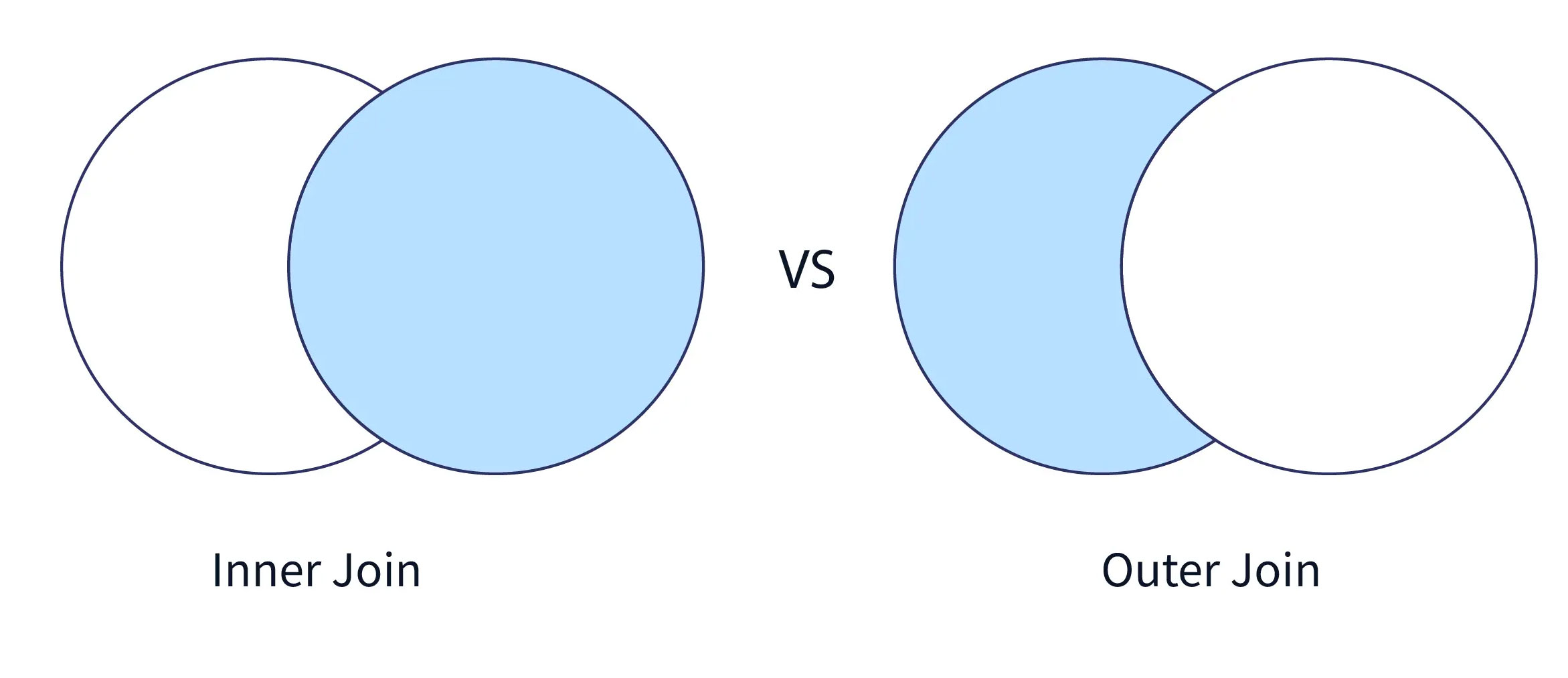
When working with multiple tables in a database, JOINS become essential. They help you connect different tables and extract meaningful combined data for analysis. Two of the most commonly used JOIN types are INNER JOIN and OUTER JOIN. This article explains both in simple terms with examples.
What Is an INNER JOIN?
An INNER JOIN returns only those rows where there is a match in both tables. If a row exists in one table but doesn’t have a corresponding match in the other, it will be excluded from the result. Syntax: SELECT columns FROM table1 INNER JOIN table2 ON table1.column = table2.column;
Example:
Let's take two tables: Employees and Departments Employees Table: Employee ID Name DepartmentID 1 Alice 10 2 Bob 20 3 Romi 30 Departments Table: DepartmentID DepartmentName 10 HR 20 IT 40 Marketing Query: SELECT Employees.Name, Departments.DepartmentName FROM Employees INNER JOIN Departments ON Employees.DepartmentID = Departments.DepartmentID; Result: Name DepartmentName Alice HR Bob IT Explanation: "Romi" is excluded because there is no matching DepartmentID = 30 in the Departments table.
What Is an OUTER JOIN?
An OUTER JOIN returns all records from one table and the matched records from the other. If no match is found, NULLs are shown for the missing data.
LEFT OUTER JOIN (LEFT JOIN)
Returns all rows from the left table (Employees) and matched rows from the right table (Departments). If there is no match, NULL appears for the right table columns. Query: SELECT Employees.Name, Departments.DepartmentName FROM Employees LEFT JOIN Departments ON Employees.DepartmentID = Departments.DepartmentID; Result: Name DepartmentName Alice HR Bob IT Romi NULL Explanation: "Romi" is included even though there's no matching DepartmentID in the Departments table.
RIGHT OUTER JOIN (RIGHT JOIN)
Returns all rows from the right table (Departments) and matched rows from the left table (Employees). If there is no match, NULL appears for the left table columns. Query: SELECT Employees.Name, Departments.DepartmentName FROM Employees RIGHT JOIN Departments ON Employees.DepartmentID = Departments.DepartmentID; Result: Name DepartmentName Alice HR Bob IT NULL Marketing Explanation: "Marketing" appears even though there's no employee linked to it.
FULL OUTER JOIN (FULL JOIN)
Returns all rows when there is a match in either table. Where no match exists, NULLs are used for missing values. Syntax: SELECT Employees.Name, Departments.DepartmentName FROM Employees FULL OUTER JOIN Departments ON Employees.DepartmentID = Departments.DepartmentID; Result: Name DepartmentName Alice HR Bob IT Romi NULL NULL Marketing Explanation: All records from both tables are included. Missing matches are filled with NULLs.
Key Differences Between INNER and OUTER JOINs
Criteria INNER JOIN OUTER JOIN Return Type Only matched rows in both tables Matched + unmatched rows with NULLs Use Case Filter common data Retrieve all data, even if unmatched Performance Typically faster Slightly slower due to more data handled NULL Handling Not shown Shown for unmatched rows
Conclusion
Understanding the difference between INNER JOIN and OUTER JOIN is essential for writing effective SQL queries. Choosing the right JOIN helps ensure accurate results and optimized performance. If you’re looking to learn SQL from scratch, enrolling at Console Flare is a smart move. You’ll learn from industry experts, work with real-world datasets, and practice hands-on projects. By the end of the course, you'll be able to:
Solve real business problems using SQL
Create advanced reports and dashboards
Crack interviews and land high-paying roles
Console Flare also offers strong placement support to help you kickstart your career in data analytics. For more such content and regular updates, follow us on Facebook, Instagram, LinkedIn